 Photoshop
 Maya
Maya Houdini
 Substance Painter
 Blender
 Unreal Engine
 Arnold
 Nuke
Nuke KeyShot
 V-Ray
V-Ray Marmoset Toolbag
 Mari
Mari Marvelous Designer
 Substance Designer
 3ds Max
 3DCoat
 Redshift
 Faceform Wrap
 Lightroom
 After Effects
 OctaneRender
 SpeedTree
 Daz 3D
 Agisoft Metashape
 Fusion
 Modo
Modo RealityCapture
 Gaea
Gaea Cinema 4D
 Gravity Sketch
 Premiere
 Procreate
 Clip Studio Paint
 SketchUp
 SketchBook
 Katana
 Natron
 Mudbox
 Quixel Bridge
 Quixel Megascans
 Quixel Mixer
 Substance 3D Modeler
 World Creator
 Yeti
Yeti Ziva VFX
 Mixamo
 Adobe Medium
 Quixel DDO
 xNormal
 Meshmixer
 Storyboard Pro
 DaVinci Resolve
 TreeIt
 World Machine
 Gaffer
 Corel Painter
 SynthEyes
 Krita
Krita Massive
 Materialize
 Unity
Unity Ornatrix
 PreForm
 Moi 3D
 animBot
 QuickTime
 ReCap
ReCap


















Whether you’re an absolute beginner or an intermediate ZBrush user, this workshop will guide you through 19 comprehensive hours of demonstration to help you master ZBrush 2024. No previous 3D experience is required to complete this workshop, and you can expect to finish the tutorial with a strong intermediate grasp of ZBrush as a sculpting, modeling, and texturing tool.
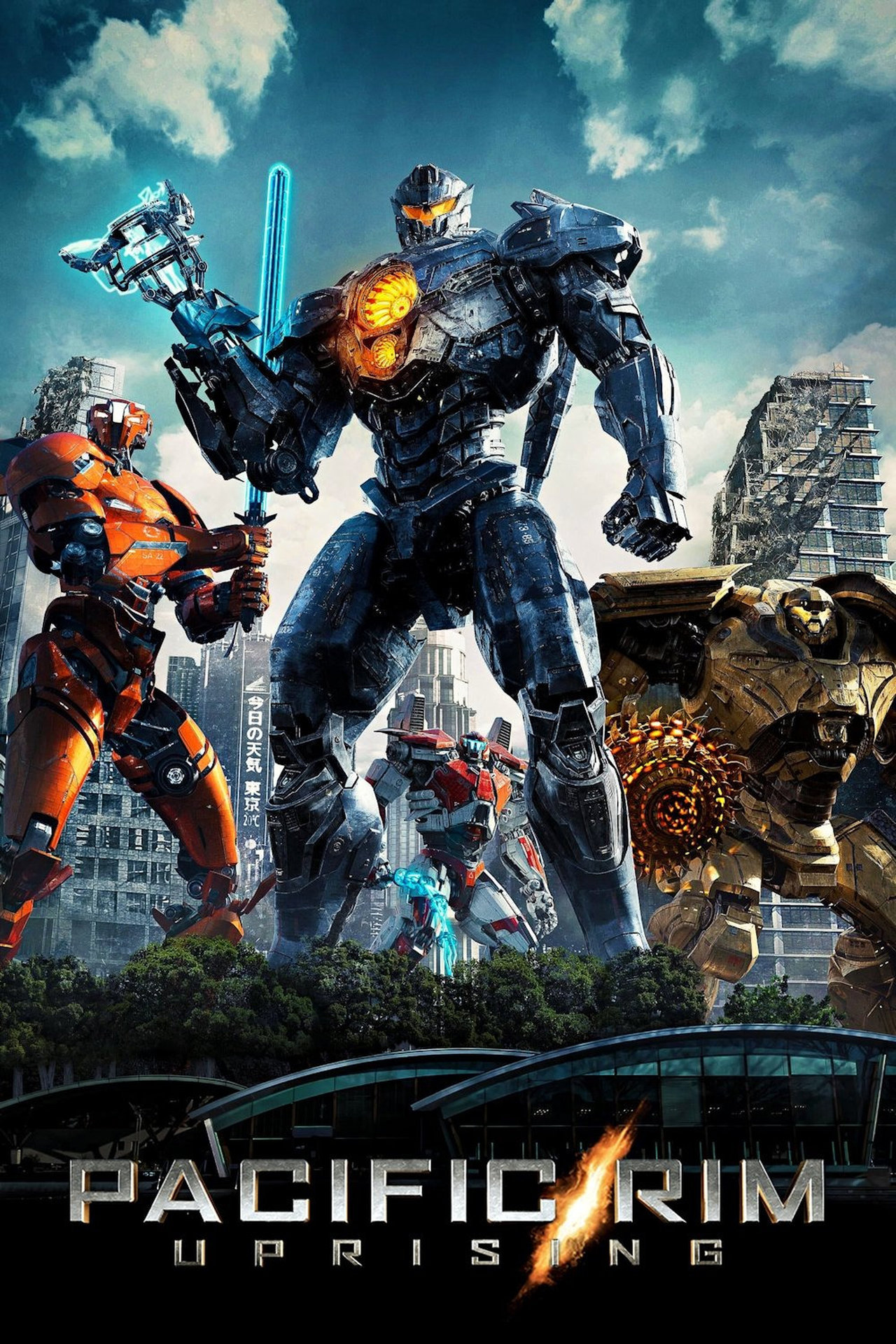
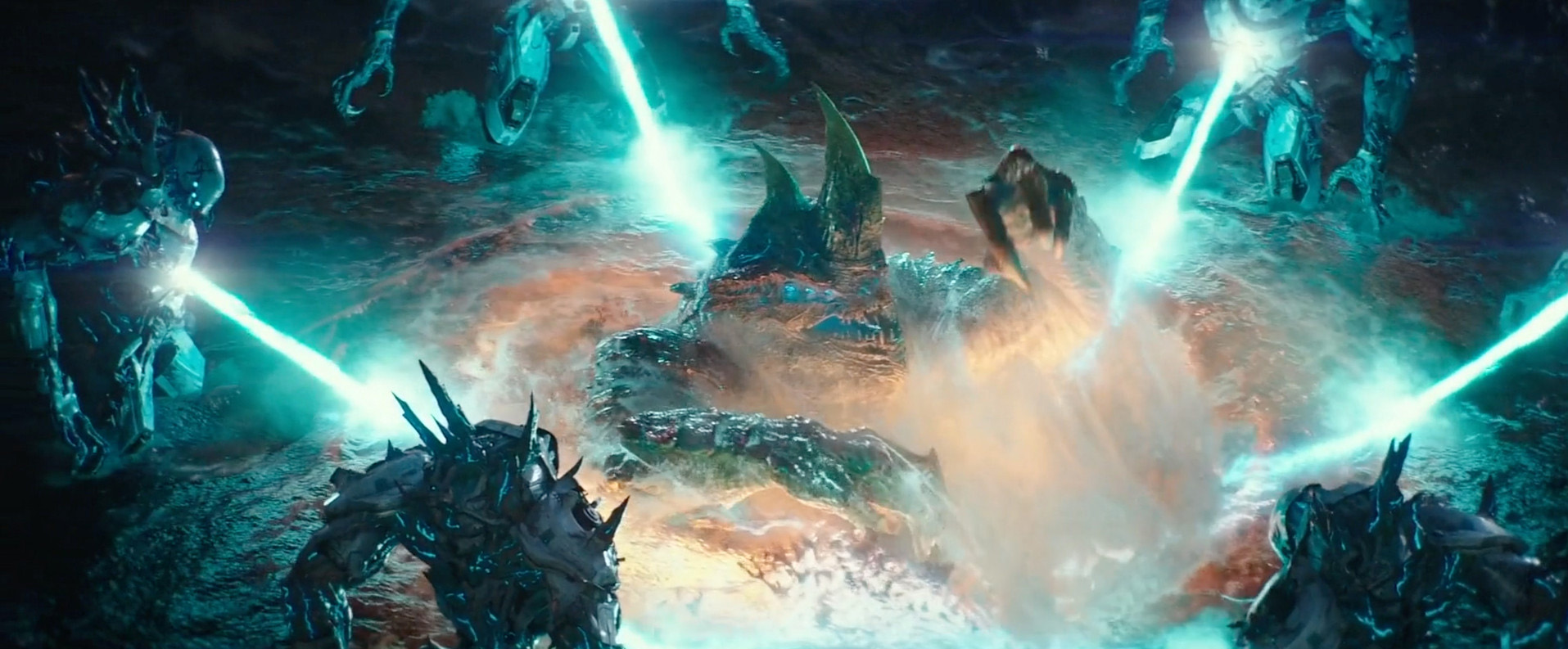
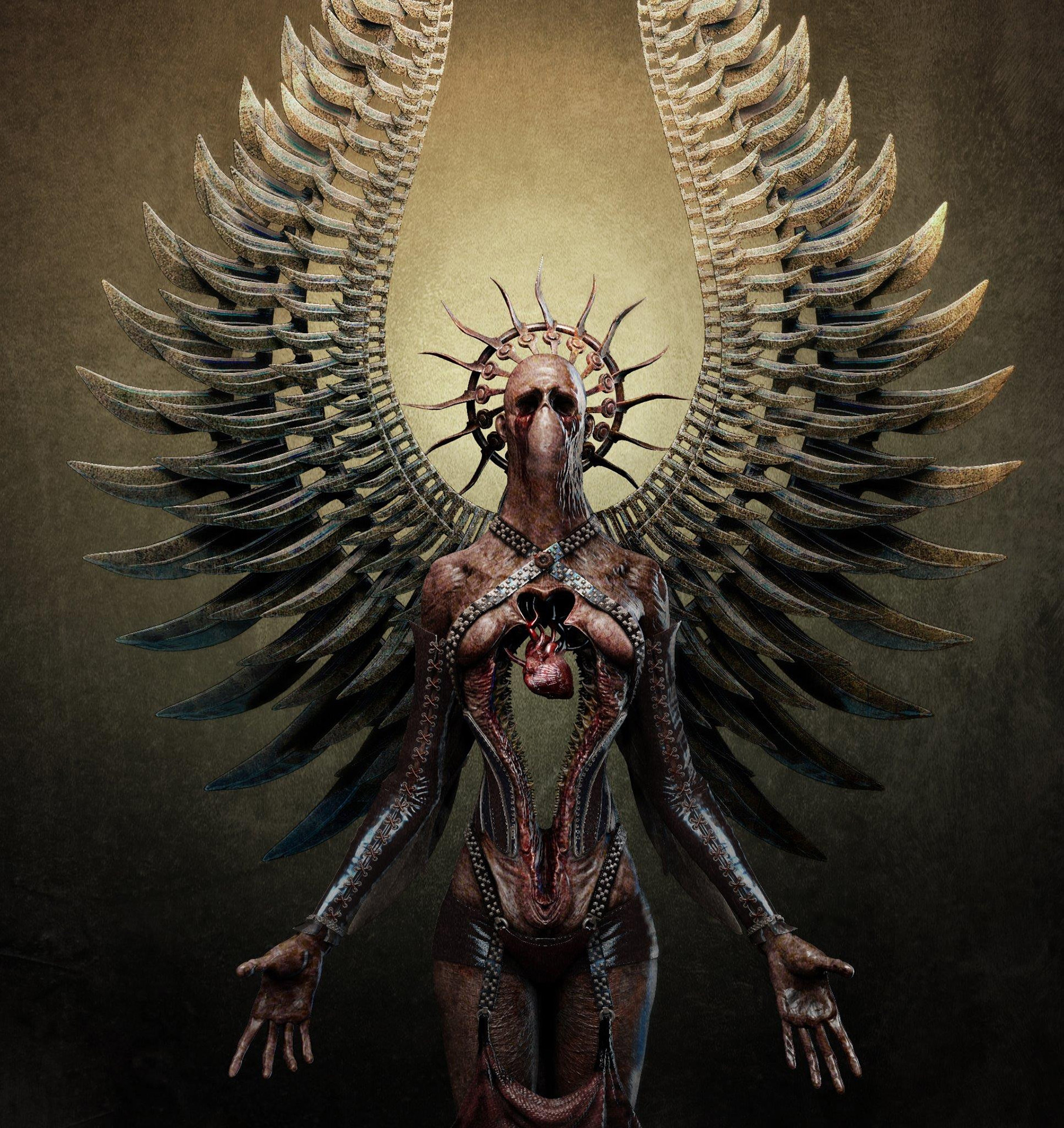
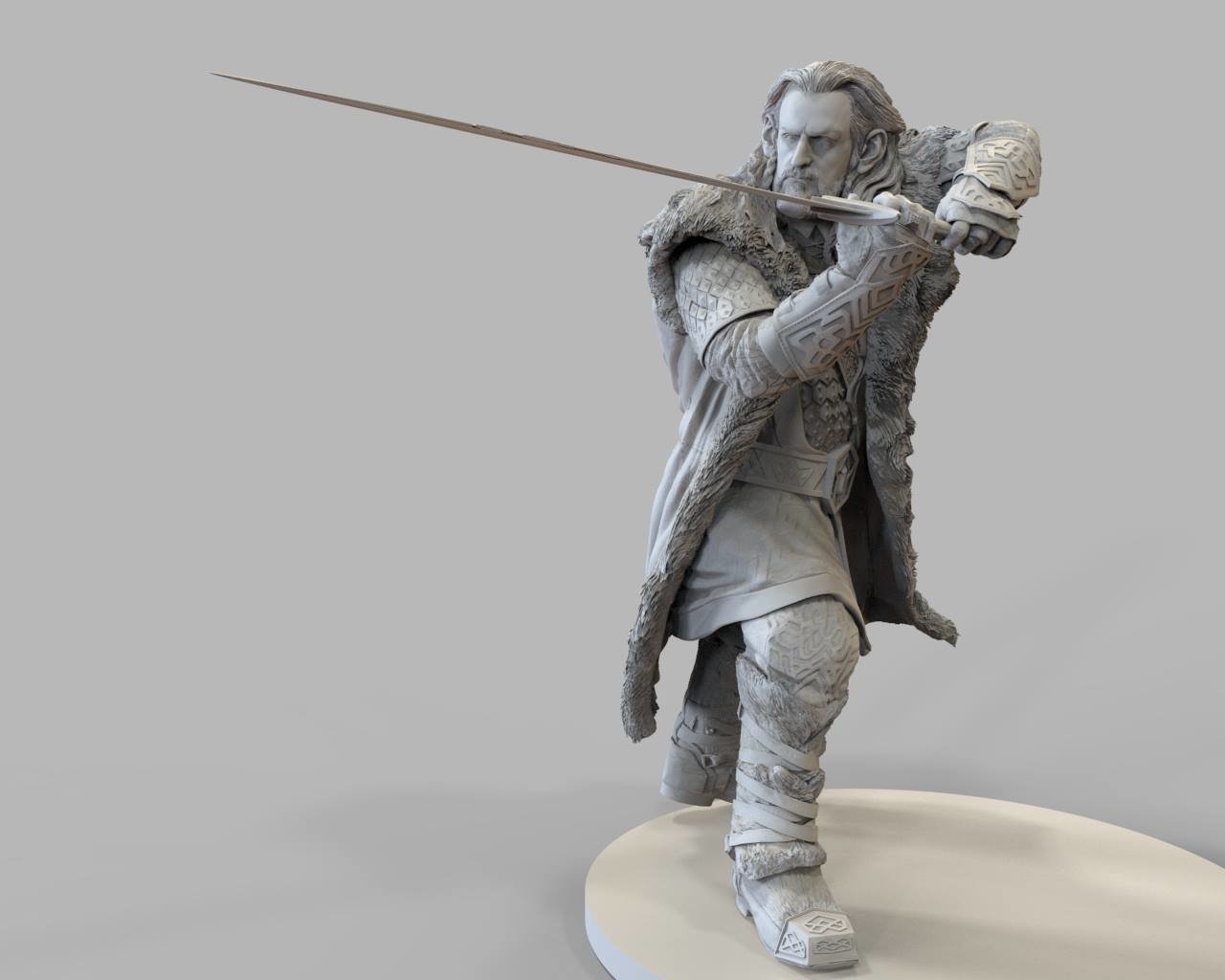
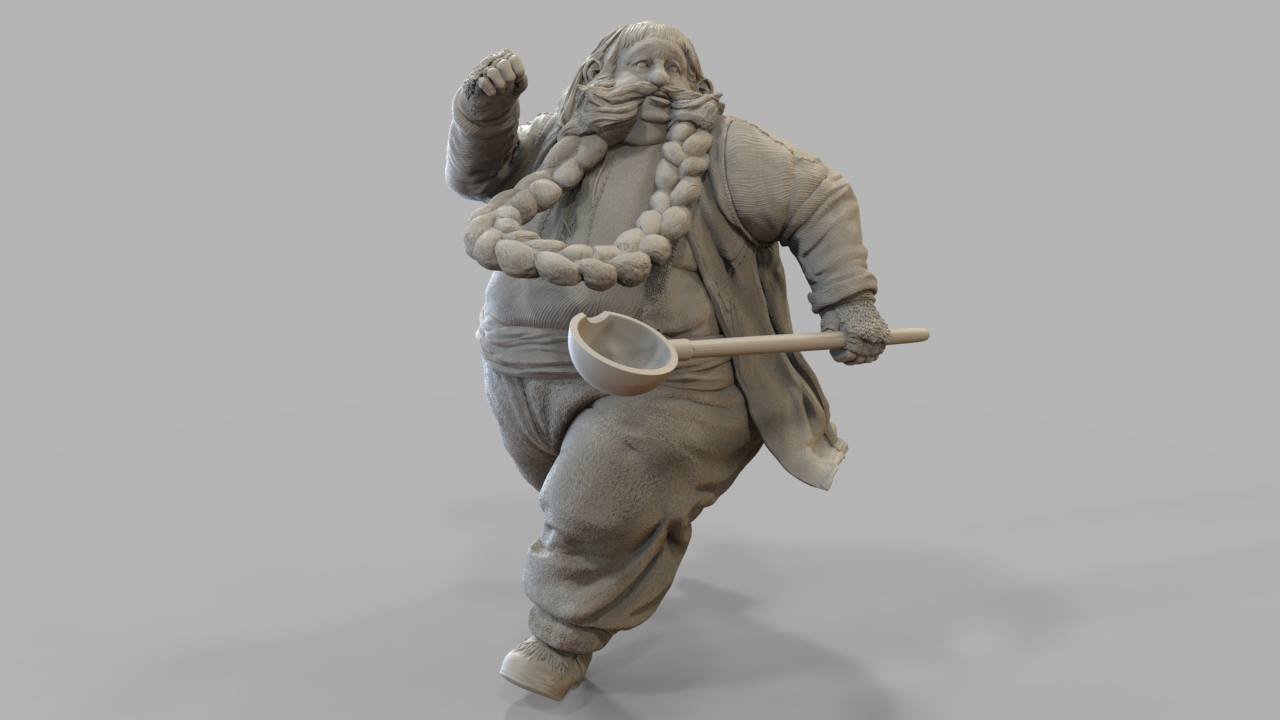
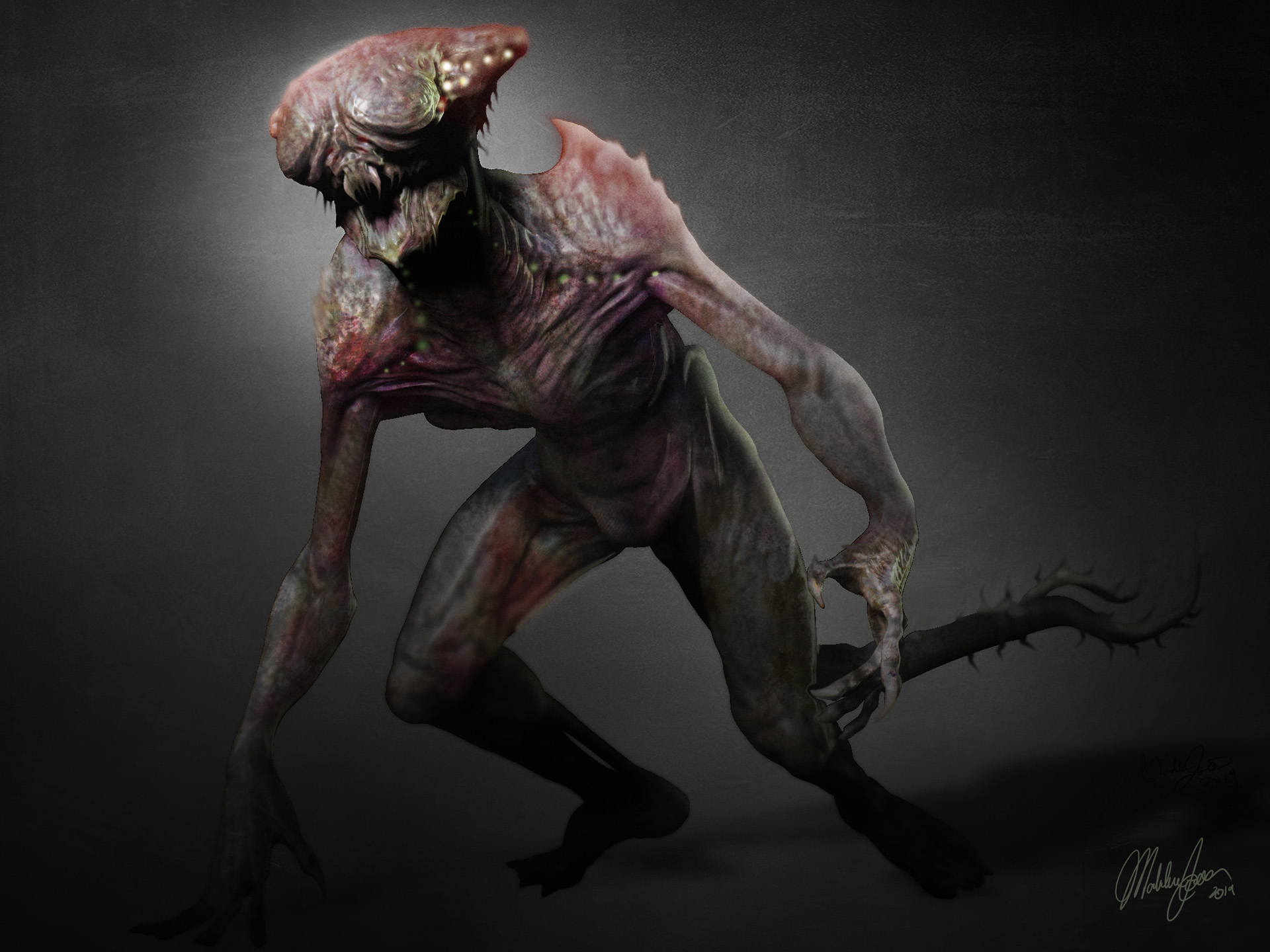
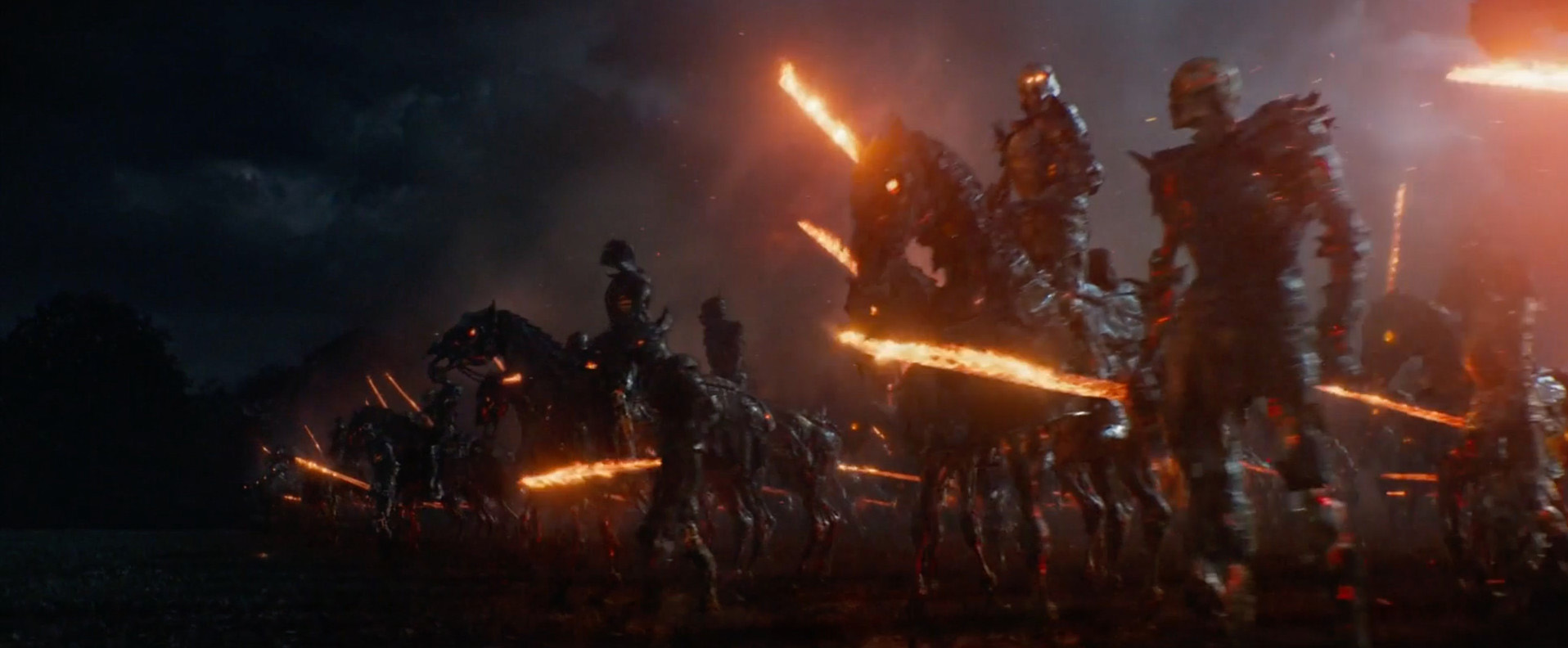
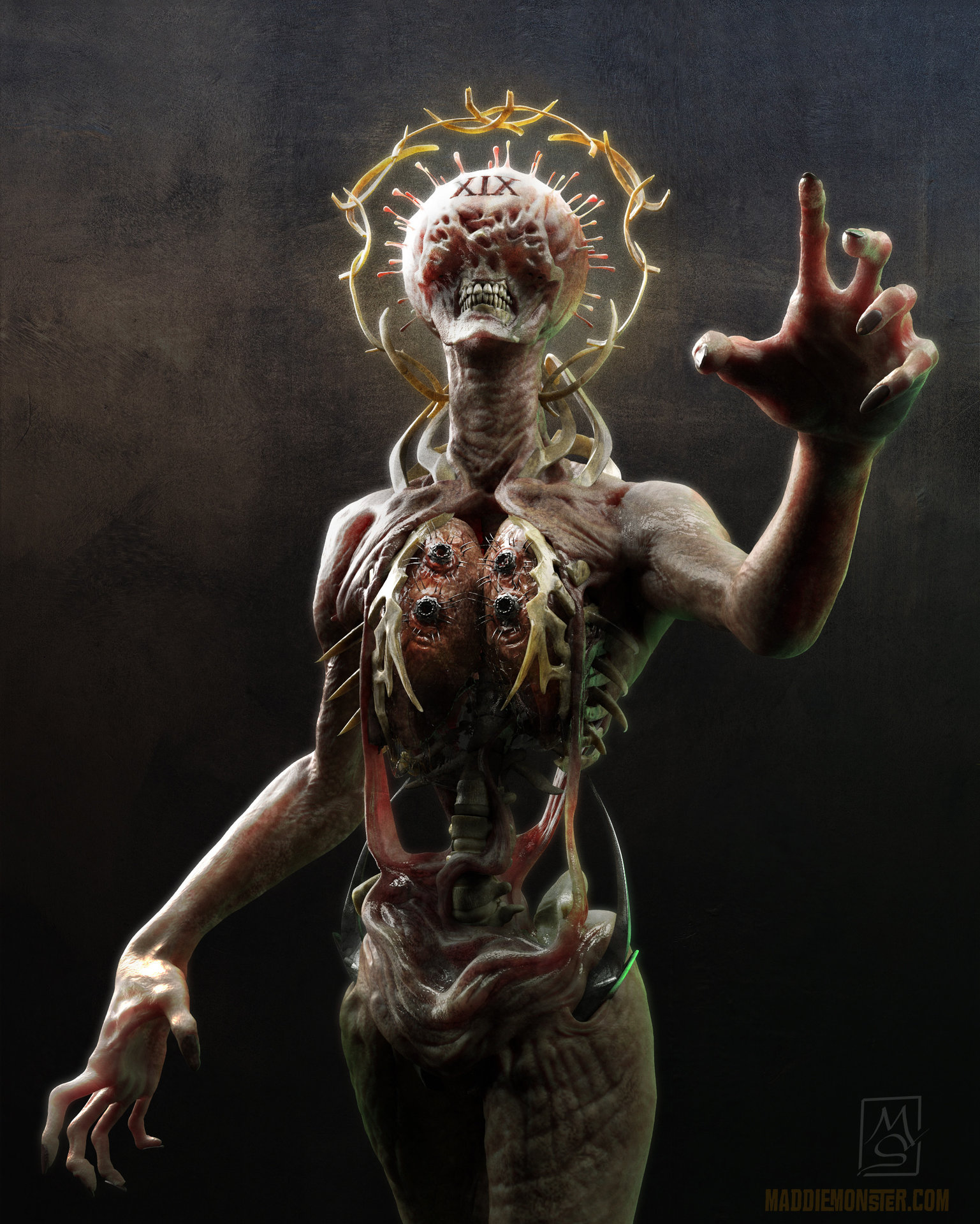
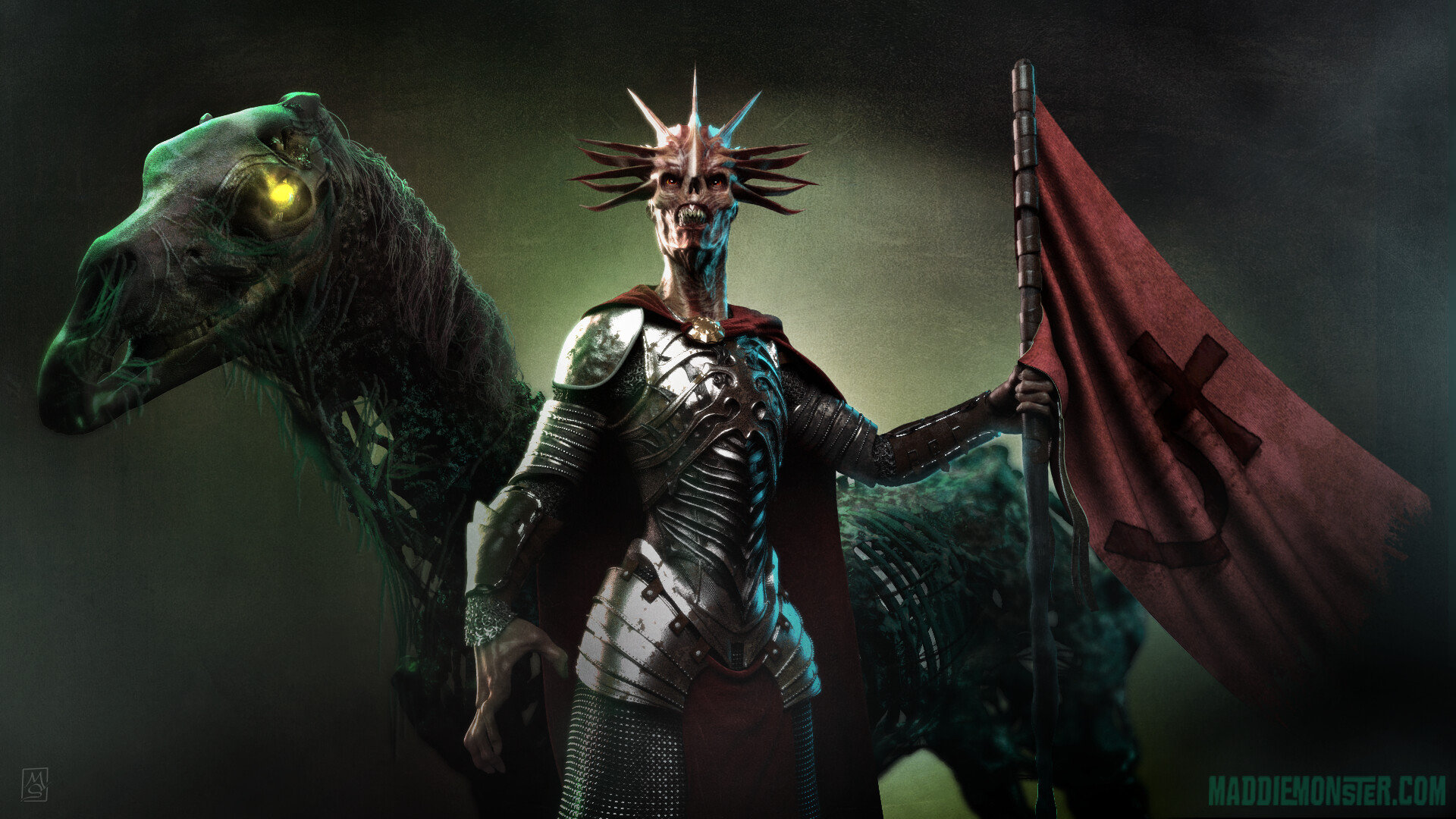
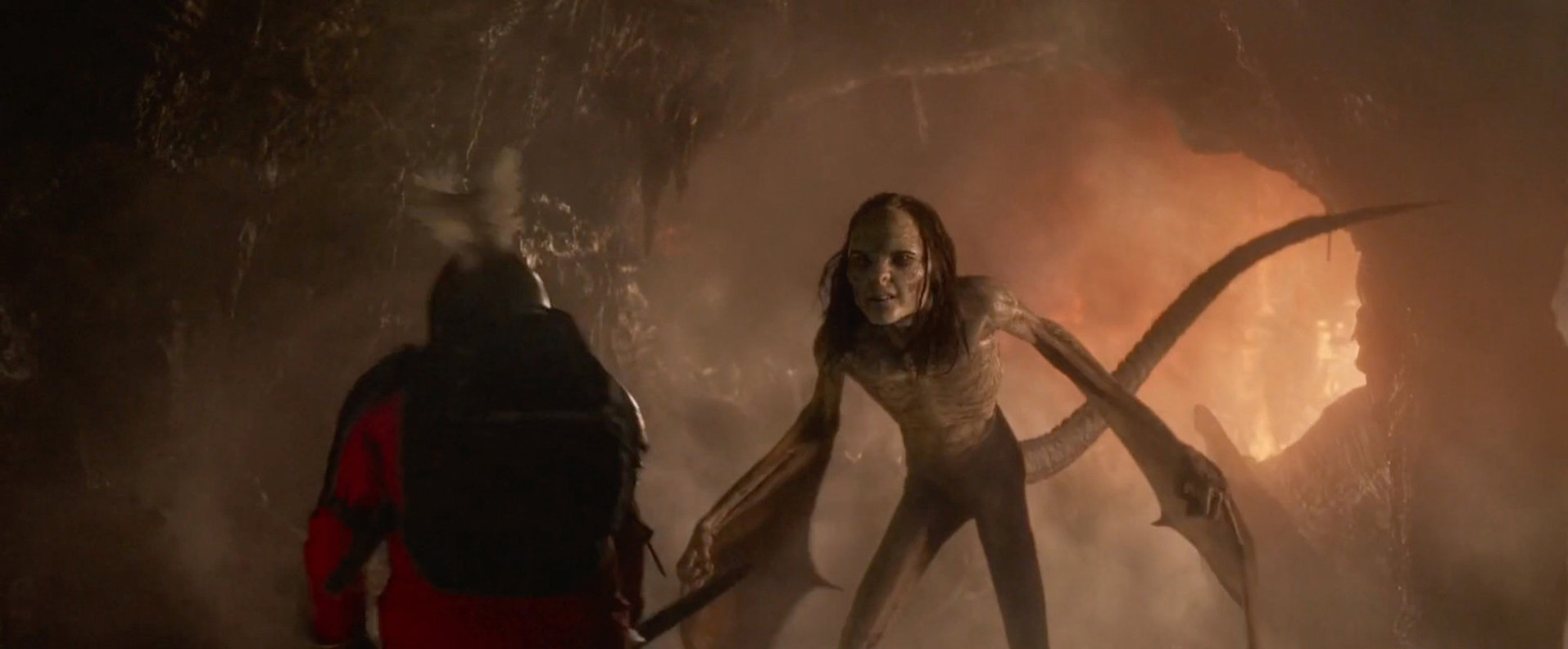
Madeleine Scott-Spencer, Head of Department Assets and Art Department at Cinesite, draws from her experiences using ZBrush in film pipelines such as The Hobbit Trilogy, Pacific Rim 2 and The Witcher series to share methods she uses every day in the professional VFX sphere. Topics covered include sculpting, modeling hard-surface props, creating cloth and costume elements, texturing with projections, hand-painting creature skins, posing figures, and rendering using multiple methods in ZBrush.
Many tools and techniques are explored over 46 chapters, providing a comprehensive foundation in the wide array of ZBrush’s multifaceted toolset. The workshop is complemented by many helpful downloadable files to allow you to follow along with the examples at home.
This detailed workshop opens with a quickstart sculpting tutorial where Maddie lays the groundwork for basic navigation and sculpting by blocking a Goblin bust using Dynamesh. Throughout subsequent chapters, she revisits this creature to create a full-body creature sculpt with fine details, including wrinkles and pores.
Throughout the chapters, you’ll examine not only how to sculpt in ZBrush but also how to use the tools to create realistic, nuanced, and compelling anatomical forms. It is always important to Maddie, as a ZBrush teacher of 19 years, to communicate not only the basics of the tools but also how to begin using them to bring your visions to life in the most compelling ways.
46 Lessons
In this extensive workshop taught by Madeleine Scott-Spencer, artists will learn Zbrush starting with a simple sphere and building up to a detailed bust with anatomical features. Artists gain practical experience with essential tools and workflows throughout the workshop. Madeleine emphasizes that hotkeying primary brushes and understanding DynaMesh provides a solid foundation for efficient sculpting.
Duration: 39m 44s

This quick-start lesson effectively demonstrates that jumping directly into practical sculpting is the best way to learn ZBrush fundamentals. By creating a complete creature head from start to finish, Madeleine showcases how mastering basic techniques like masking and brush control creates a strong foundation. Technical skills and professional methods are provided to artists through the use of gradual refinement and planar thinking.
Duration: 32m 45s

The ZBrush interface, while initially appearing daunting due to its unconventional layout, is actually designed for an efficient circular workflow where artists rarely need to leave the main workspace. Madeleine explains that most essential functions are cloned into the visible interface, allowing for a focus on muscle memory. By practicing basic exercises, the complex interface is transformed into an intuitive environment for artists.
Duration: 40m 58s

Creating custom menus in ZBrush significantly streamlines the creative process by consolidating frequently-used tools into hotkey-accessible interfaces. Without constantly navigating through multiple menus, artists can work more efficiently thanks to this customization. Madeleine shows how this system integrates with previous hotkey lessons to optimize the creative process.
Duration: 7m 2s

While the Transpose Gizmo has largely replaced the older Transpose Line for general transform operations, both tools remain essential in a ZBrush workflow. Madeleine notes that the Gizmo excels at multi-subtool manipulation, while the Transpose Line remains the preferred tool for character posing. Sophisticated modeling possibilities are opened up for artists who master both tools and the deformer system.
Duration: 22m 6s

Masking is one of the most crucial yet often overlooked parts of ZBrush sculpting. Madeleine demonstrates that creating convincing organic forms with realistic transitions is difficult without proper masking. By understanding fundamental hotkeys and working at appropriate subdivision levels, artists achieve mastery through repetitive exercises.
Duration: 21m 25s

The knife, slice, trim, and clip brushes represent the progression of ZBrush’s cutting tools, with each brush addressing shortcomings of the one before it. Madeleine explains why she prefers knife brushes for hard-surface modeling, and when to use each brush type.
Duration: 16m 28s

Symmetry is fundamental to character and object creation in ZBrush, but losing symmetry during sculpting is a common issue for beginners. Madeleine provides essential techniques for preventing symmetry loss and recovering from it using Smart ReSym or Mirror and Weld. Regardless of the model's state, artists can work confidently by understanding specialized options such as radial symmetry.
Duration: 17m 35s

The subtool system enables artists to work efficiently with complex models by maintaining organized, independent elements within a single Z-tool. Madeleine shows how folder organization and transpose sets significantly improve workflow efficiency.
Duration: 28m 23s

Stager is an important ZBrush tool for creating symmetrical objects that need to be positioned asymmetrically on a model. Madeleine explains how working at world origin with full access to symmetry tools solves a common digital sculpting challenge. This workflow is valuable for armor, mechanical parts, ornamental details, and any elements requiring radial or complex symmetry that must ultimately be placed at specific locations and orientations on a model.
Duration: 13m 52s

In this lesson, artists will explore how polygroups are an essential organizational tool in ZBrush that significantly streamline the sculpting workflow. Madeleine demonstrates that mastering polygroups enables much more efficient character sculpting and regional adjustments. Isotopic isolation of facial features is made possible for artists through this simple yet powerful concept.
Duration: 10m 15s

Utilizing layers in ZBrush provides a non-destructive workflow for exploring design variations and organizing complex sculpting and painting passes. Madeleine highlights the tremendous flexibility offered for concept development and technical applications.
Duration: 19m 8s

ZBrush's Undo History system serves multiple purposes beyond simple mistake correction; it can be used as a powerful tool for documentation and learning. Madeleine points out that the History Recall brush allows for the selective retrieval of elements from previous stages. This workflow encourages experimentation while maintaining flexibility throughout the creative process.
Duration: 11m 55s

ZBrush's brush and stroke systems are fundamental to efficient sculpting workflows. Madeleine emphasizes that focusing on key features like Auto Masking and Lazy Mouse leads to high success. Personalized toolsets that streamline specific workflow needs are built by artists who learn to organize custom brushes.
Duration: 50m 45s

Insert Multi-Mesh brushes are powerful kitbashing tools in ZBrush that significantly help both hard surface detailing and organic modeling workflows. Madeleine clarifies the distinction between brushes meant for dynameshing and those for standalone placement. Modeling processes are dramatically accelerated for artists who build personalized libraries of reusable IMM assets.
Duration: 16m 52s

Alphas in Zbrush are used as a tool for adding surface detail and complexity to 3D models, ranging from simple texture stamps to sophisticated VDM brushes. Madeleine shows how progressing to 3D alphas and VDM brushes increases detailing efficiency. Realistic character detailing and creative kitbashing are achieved by artists who master these essential alpha skills.
Duration: 31m 40s

This lesson effectively covers how DynaMesh is a powerful tool for rapid character blocking and kit-bashing in ZBrush, while also highlighting its limitations. Madeleine stresses that DynaMesh alone is insufficient for a complete professional workflow. Challenges with posing and topology are overcome by artists through the critical step of converting to a subdivision surface model.
Duration: 27m 11s

This refinement pass shows the power of subdivision modeling in ZBrush for making substantial changes without losing previous work. Madeleine teaches that working at lower subdivision levels produces more natural results than high-resolution sculpting.
Duration: 35m 9s

Understanding when to use DynaMesh versus subdivision models is important to the professional ZBrush workflow. Madeleine explains that subdivision models provide the control needed for refinement and posing. Efficient character creation is achieved by artists who master the conversion between these two distinct modeling approaches.
Duration: 15m 9s

Sculptors Pro Mode is used as a powerful alternative workflow in ZBrush that bridges the gap between concept sketching and production-ready models. Madeleine highlights how managing mesh density on-the-fly eliminates the need for constant decimation. Intuitive and efficient work is empowered for artists using this tool to focus on creative decisions.
Duration: 28m 29s

The Transpose Gizmo is a powerful toolset in ZBrush that goes far beyond simple movement and rotation. Madeleine shows how deformers provide robust non-destructive editing for complex forms and Boolean operations. Relearning functions by mousing over controls is encouraged for artists during the initial learning curve.
Duration: 19m 40s

Z-Spheres remain a highly efficient tool for quickly establishing character base meshes, particularly for creatures without existing models. Madeleine focuses on gesture and proportion during the Z-Sphere stage to quickly create sculptable geometry. Sculptable meshes are created by artists through this method, saving time compared to box modeling or DynaMesh construction.
Duration: 35m 51s

Z-Sphere-based retopology is a powerful solution for creating realistic wing membranes, fins, and other thin, draped surfaces in ZBrush. Madeleine shares a professional technique used in major productions to block in creature concepts. Believable organic membranes with controlled thickness can be created efficiently by artists who master this specific workflow.
Duration: 21m 50s

Character posing in ZBrush offers flexible approaches suited to different workflows and preferences. Madeleine explains that Z-Sphere rigging offers an intuitive skeletal approach for full-body poses. Correction of soft tissue deformations is achieved by artists through re-sculpting after the major posing phase is complete.
Duration: 31m 9s

In this lesson, artists will learn how Proxy Pose is an excellent tool for rapid posing workflows, especially with Dynamesh models. Madeleine demonstrates how it excels at manipulating dense geometry and creating quick postural adjustments. Tedious posing for elements like tails and tentacles is avoided by artists using this efficient technique.
Duration: 17m 24s

This lesson provides practical workflows for costume and armor creation in ZBrush by combining multiple tools strategically. Madeleine explains that focusing on proxy models and layered costume pieces helps create realistic assets. Production-ready cloth garments are created by artists who apply these techniques before refining them with cloth dynamics.
Duration: 52m 3s

ZBrush cloth dynamics provides powerful tools for creating realistic fabric simulations for costume elements and drapery. Madeleine notes that ensuring proper scene scale is the most important factor for a successful simulation. Convincing cloth behavior for character design is achieved by artists through masking and post-simulation refinement.
Duration: 30m 6s

Fiber Mesh is a powerful tool for adding realistic hair, fur, and other fibrous details to ZBrush characters and creatures. Madeleine suggests working in sections with customized parameters rather than creating one single object. Realistic facial hair and alien tendrils are added to digital sculptures by artists who master these profile controls.
Duration: 28m 49s

ZModeler introduces a brush-based way of working with polygons that may feel unfamiliar at first, but can be very fast once learned. Madeleine emphasizes the importance of building muscle memory for functions like QMesh and Extrude. Real-time visualization of results is achieved by artists using dynamic subdivisions within this foundation.
Duration: 32m 50s

Live Boolean in ZBrush is a powerful, flexible approach to hard surface modeling that lets artists edit throughout the design process. Madeleine demonstrates how folder organization and nanomesh techniques allow for the efficient creation of mechanical details. Experimentation and iteration are made possible for artists through this non-destructive workflow until final operations are baked.
Duration: 25m 15s

This lesson provides an overview of fundamental hard surface modeling utilities in ZBrush that streamline the creation of professional-looking props. Madeleine demonstrates accessible approaches to adding mechanical elements to 3D models. Hard surface workflows used for vehicles and props are established by artists using these foundational tools.
Duration: 15m 7s

Nanomesh is an essential ZBrush tool for efficiently distributing detailed geometry across surfaces with controllable randomization. Madeleine shows how layering multiple instances dramatically accelerates workflows for environmental and organic features. Invaluable tools for concept work and production-ready assets are discovered by artists through Nanomesh.
Duration: 18m 35s

This comprehensive lesson demonstrates that successful digital sculpting requires combining technical tools with traditional artistic principles. Madeleine explains that alphas are a starting point that must be refined by hand for professional results. Believable character details are created by artists who understand anatomy and incorporate areas of visual rest.
Duration: 29m 4s

Polypaint in ZBrush offers an intuitive, artist-friendly approach to 3D texturing that mimics traditional painting on sculptable geometry. Madeleine shows how understanding resolution requirements and layer workflows allows for the creation of complex textures. Artists achieve flexibility in both artistic and technical outputs using this vertex-based system.
Duration: 10m 58s

This lesson presents a systematic, multi-layered approach to creature skin painting that mimics traditional prosthetic techniques. Madeleine explains that building complexity through multiple passes is the key to realistic skin. Realistic skin with depth and translucency is created by artists who use broken-up, organic brush strokes throughout the process.
Duration: 37m 45s

In this lesson, artists learn how to use spotlight texture projection to create realistic textures from photographic references. Madeleine explains the importance of proper image alignment and cleaning up artifacts like stretching. Photorealistic texturing for character work and props is achieved by artists through a combination of automated projection and manual refinement.
Duration: 50m 10s

Both AdjustColor and ZColor are valuable tools that enhance color workflow in ZBrush, though they serve different purposes. Madeleine notes that AdjustColor is used for selective modifications while ZColor saves custom palettes. Important capabilities for complex polypaint applications are provided to artists through these specialized utilities.
Duration: 6m 20s

ZColor is an essential plugin for artists working with polypainting in ZBrush, significantly enhancing the color selection workflow. Madeleine shows how importing palettes from photo references helps maintain aesthetically pleasing color choices. Creative processes are streamlined for artists who save and reuse palettes to maintain consistency across projects.
Duration: 8m 25s

This lesson breaks down how ZRemesher is an essential tool for converting sculpted DynaMesh models into production-ready assets. Madeleine notes that ZBrush also offers manual retopology through ZModeler for precise control. Transitions between high-detail sculpting and animation-ready geometry are managed by artists through these essential retopology skills.
Duration: 42m 24s

UV mapping is a critical skill for any ZBrush artist wanting to export work to other applications or pipelines. Madeleine explains that UV Master creates clean, easy-to-read UVs suitable for VFX and game development. Clean and efficient UV layouts can be generated by artists who combine polygroups with strategic control painting.
Duration: 10m 53s

In order to create professional turntable renders within Zbrush, it requires careful attention to resolution settings and lighting. Madeleine demonstrates how configuring the turntable tool correctly produces high-quality rotating videos for portfolios. Multiple turntable variations are easily created by artists who save project files to revisit camera and lighting setups.
Duration: 9m 57s

This lesson provides a thorough foundation for producing professional-quality renders directly from ZBrush. Madeleine shows how multi-light scenes and HDRI-based LightCaps help achieve publication-ready images. Quick preview renders and full rendering solutions can be achieved by artists who master material setup and compositing.
Duration: 36m 15s

Successfully extracting work from ZBrush requires understanding the difference between map types and their applications. Madeleine explains that displacement maps preserve sculptural detail while normal maps provide efficient detail for real-time use. Detailed sculptures are taken into production pipelines by artists who combine low-resolution meshes with extracted textures.
Duration: 17m 33s

Preparing ZBrush models for 3D printing has become an essential and accessible skill for digital sculptors. Madeleine demonstrates how the decimation process converts detailed sculpts into printable files without losing quality. Versatile optimization techniques for rendering and game development are mastered by artists through this process.
Duration: 21m 37s

HD subdivisions are a powerful feature in ZBrush for achieving ultra-high-resolution detail. Madeleine explains that this technique allows for the creation of extremely fine surface details used in major film productions. Extra levels of detail are achieved by artists when projects demand quality beyond standard subdivision capabilities.
Duration: 10m 19s

Madeleine wraps up by emphasizing ZBrush's revolutionary nature and broad applicability across creative industries. Madeleine also reveals how to reach professional goals.
Duration: 52s

Primary tools
For this workshop you’ll need:

* Note that these programs and materials will not be supplied with the course.
Project Files
When you download the workshop files, you'll get access to Maddie's comprehensive ZBrush creature sculpting project files. Inside, you'll find:
- ZBrush project files (.ztl, .zpr, .zbp) – Complete sculpted creatures, including ghouls, hellhounds, goblins, and orcs, at various stages, plus custom kitbash brushes for detail work
- Reference images (.jpg, .pur) - 20 visual references covering armor designs, creature anatomy, and sculpting guidance to help inform your work
- Custom tools & textures (.zsl, .zmv) - Specialized ZBrush materials, lighting setups, and turntable movies for presenting your finished creatures
Skills Covered
Who’s this Workshop for?
This comprehensive ZBrush workshop is designed for beginners with no prior 3D experience and for intermediate users seeking to strengthen their foundational skills. Artists aspiring to work in VFX, gaming, or digital sculpting will find the professional pipeline techniques invaluable.
Concept artists, character designers, and traditional sculptors transitioning to digital workflows will greatly benefit from this structured approach. The workshop provides industry-tested methods used in major film productions, making it ideal for anyone seeking to develop professional-level ZBrush expertise for creative or commercial projects.
Learning Outcomes
By completing this workshop, artists will have developed a strong intermediate grasp of ZBrush as a comprehensive sculpting, modeling, and texturing tool for professional workflows.
Key skills include:
- How to navigate the ZBrush interface efficiently and utilize Dynamesh for initial sculpting workflows.
- How to create detailed creature sculpts with realistic anatomical forms and fine surface details.
- How to model hard-surface props and environmental assets using ZBrush's modeling capabilities.
- How to design and sculpt cloth elements and costume details for character development.
- How to texture models using projection techniques and hand-painted surface treatments effectively.
- How to pose figures dynamically and render final artwork using multiple ZBrush rendering methods.
- How to integrate professional VFX pipeline techniques used in major film and television productions.